
Setting up automotive merchant services is not just “turn on a card reader and go.” In auto repair and service environments, payments happen in high-trust, high-ticket situations, often after a customer has already committed to the work.
That creates unique pressure: you need fast approvals, clean receipts, dispute-resistant documentation, and a checkout flow that works at the front counter, in the service bay, and sometimes on the road.
This Automotive Merchant Services Setup Checklist is designed as a practical, step-by-step guide you can follow to build a payment setup that is efficient, compliant, and scalable. It covers what to choose, how to configure it, what to document, and how to prevent the common (expensive) mistakes that lead to chargebacks, downtime, and surprise fees.
You’ll see the keyword automotive merchant services intentionally throughout because the goal is an article that’s both helpful for operators and optimized for search engines.
You’ll also get current compliance guidance and future-facing predictions, including what to plan for as security standards evolve (PCI DSS v4.0) and pricing structures change with network and interchange updates.
Define Your Payment Acceptance Model (Counter, Phone, Online, Text-to-Pay, Mobile)

Before you compare rates or buy terminals, lock down how you actually take payments. Automotive businesses typically accept payments through a mix of card-present (in-store) and card-not-present (phone, online invoice, or remote). Each method carries different fraud risk, processing requirements, and best-practice configurations.
Start your checklist by listing every payment scenario you use today and the ones you want to add in the next 12 months:
- Front counter checkout (chip + tap + swipe fallback rules)
- Service-lane “pay at pickup”
- Deposits for special-order parts
- Phone payments for fleet managers or repeat customers
- Online invoices for customers who want to pay from home
- Mobile payments for roadside assistance or mobile detailing
- Text-to-pay links for faster collections
Why this matters: card-not-present transactions generally carry higher dispute and fraud exposure than chip/tap in person. Industry guidance consistently calls out stronger controls for remote payments such as AVS, CVV rules, tokenization, and monitoring.
Choose the Right Merchant Account Structure (Aggregated vs Dedicated)
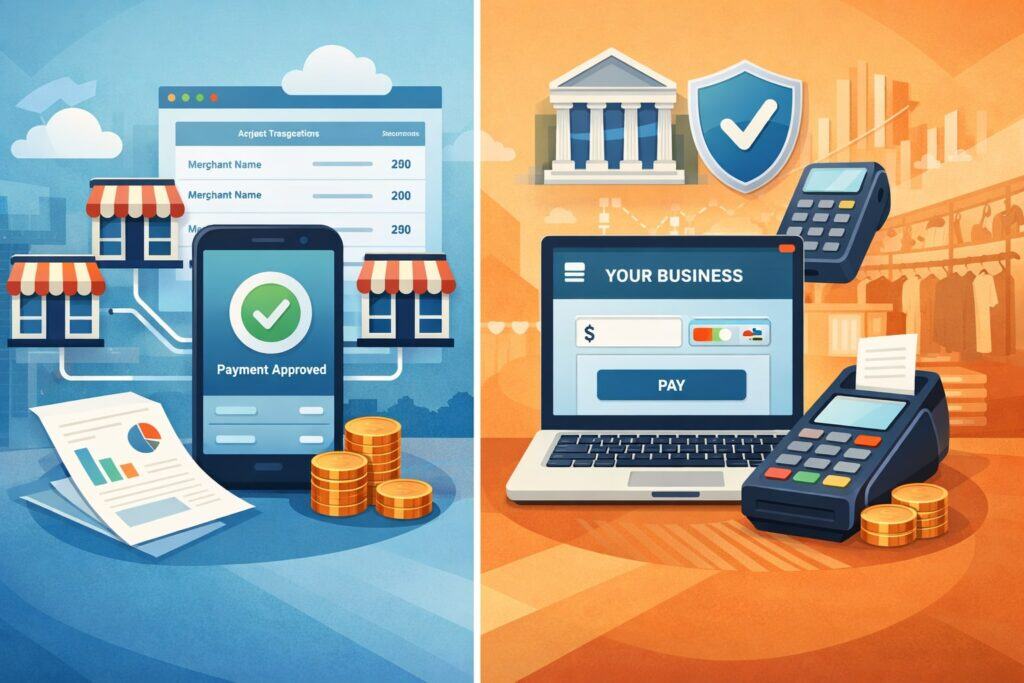
A major “hidden” decision in automotive merchant services is whether you’re using an aggregated payment facilitator model (common with simple app-based processors) or a dedicated merchant account through a full merchant services provider. Either can work, but the wrong fit causes real issues in auto service because you often have:
- Higher average tickets
- Split payments (deposit + final)
- Tips (detailers) or no tips (repair)
- Fleet invoicing and corporate cards
- Recurring customer records and stored credentials
- Occasional large single transactions (engines, transmissions)
Your setup checklist should include:
- Expected monthly volume (average and peak months)
- Average ticket and largest ticket you expect
- Card mix (debit, rewards, corporate, fleet)
- Refund and return patterns
- Whether you need same-day/next-day funding
- Whether you accept payments before services are completed (deposits)
Automotive merchant services providers can configure pricing and risk controls more intelligently when the underwriting matches your real business model. A mismatch can trigger funding holds, unexpected reserves, or sudden account reviews—especially after one unusually large job.
Validate Your Business Profile and Underwriting Documents (Get Approved Faster)

A smooth approval process is part of a strong Automotive Merchant Services Setup Checklist. The fastest path is to submit underwriting-ready documentation in one package, rather than responding to multiple “please send…” requests that slow down activation.
Prepare these essentials:
- Legal business name, DBA, EIN, and ownership details
- Business license (if applicable) and shop location documentation
- Voided check or bank letter for deposits
- Processing history (statements) if switching providers
- Website or online presence (even a basic service page helps)
- Refund policy, cancellation policy, and deposit policy in writing
- Typical invoice/repair order examples
Automotive shops benefit from having clearly written policies because payment disputes often involve misunderstandings like “I didn’t approve that part,” “I didn’t authorize diagnostics,” or “I thought the estimate was the final price.” Underwriters look for operational clarity because it reduces chargebacks.
Pick Hardware That Fits Auto Service Reality (Durable, Fast, Contactless-Ready)
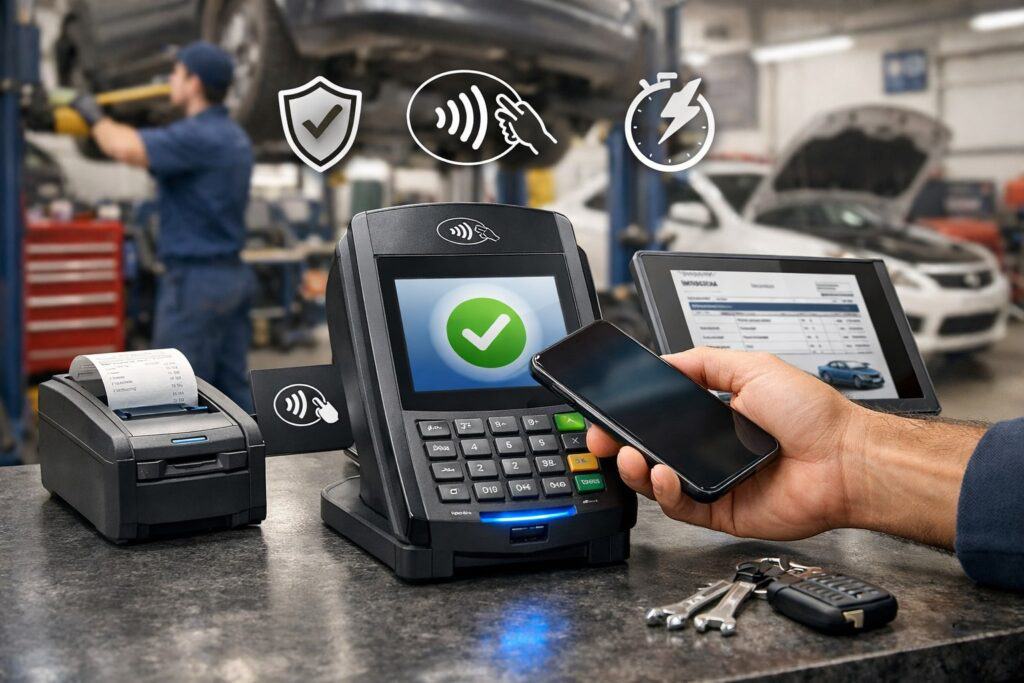
Auto shops are not cafés. Payment hardware has to survive dust, vibration, occasional drops, busy hands, and quick customer interactions. Your automotive merchant services setup checklist should treat hardware like operational equipment.
Minimum hardware standards for most automotive payment environments:
- EMV chip support
- Contactless (tap-to-pay + mobile wallets)
- Fast receipt options (print + SMS/email)
- Reliable Wi-Fi and/or ethernet options
- Device management (remote updates)
- Optional: rugged cases for service lanes and mobile vans
Contactless usage keeps expanding, and customers increasingly expect tap to work as smoothly at a repair shop as it does at retail.
EMV chips have also become the dominant standard for in-person card-present acceptance, so any “cheap magstripe-only” device is a liability and a bad customer experience.
Decide on POS vs Payment Terminal vs Integrated Shop Software
Many automotive businesses lose money because the payment system doesn’t “talk” to the workflow. Your setup checklist should force a decision: are you using a standalone terminal, a POS, or an integration with shop management software?
Standalone terminal is simplest and often fastest to deploy, but you may manually key totals and reconcile receipts by hand.
POS systems can work well for retail-heavy operations (tires, accessories, quick lube), but may be overkill for repair-focused shops if it doesn’t match service workflows.
Integrated shop management (estimate → authorization → invoice → payment) reduces mistakes and can lower disputes because everything is documented and time-stamped.
Checklist items to confirm before committing:
- Can you take deposits and apply them automatically to final invoices?
- Can you store customer profiles securely for repeat visits?
- Can you support partial payments and split tenders?
- Can you attach signed authorizations to invoice records?
- Can you send digital estimates and payment links?
- Can you export transaction data cleanly into accounting?
Configure Card-Present Transactions for Lowest Risk and Best Rates
Card-present setup is where automotive businesses can usually win: chip and tap transactions are generally more secure than keyed payments, and security is tied to better outcomes in chargebacks and sometimes cost.
Your Automotive Merchant Services Setup Checklist for card-present should include:
- Enable EMV chip and enforce chip-first (avoid swipe fallback unless truly required)
- Enable contactless and mobile wallets (tap-to-pay)
- Set receipt and invoice numbering standards
- Require signature only where appropriate (and consistent)
- Ensure tipping is correctly enabled or disabled based on business type
- Use duplicate transaction warnings to prevent double charges
Even if you don’t think of your shop as “high fraud,” the risk shows up in different ways: employee mistakes, double-rings, wrong invoice totals, or rushed customers who later claim they didn’t authorize.
Lock Down Card-Not-Present Payments (Phone, Online Invoice, Pay-by-Link)
Card-not-present payments are extremely common in automotive: fleet managers call in, customers want to pay from home, or a service advisor sends a payment link. But these are also where disputes and fraud spike.
Your checklist should require:
- AVS (Address Verification Service) enabled for keyed/online transactions
- CVV rules enforced (collect CVV where permitted)
- Fraud filters tuned (velocity checks, high-risk flags)
- Tokenization or vault storage for repeat customers (never store raw card numbers)
- Clear evidence logs: invoice, authorization notes, and proof of delivery/pickup
AVS helps verify billing details and is widely recommended as a fraud-reduction tool for card-not-present acceptance. Card-not-present channels are also broadly recognized as higher-risk and in need of stronger controls such as tokenization and monitoring.
Build a Deposit, Estimate, and Authorization Workflow That Prevents Disputes
A powerful automotive merchant services setup checklist includes paperwork and process—not just payment tech. Most auto payment disputes are not “stolen card” situations. They are “I didn’t approve that” situations.
Set a standard workflow:
- Written estimate (line items, labor, parts, shop fees)
- Diagnostic authorization (even if estimate is pending)
- Parts deposit policy (especially for special orders)
- Change order policy (how additional work is approved)
- Final invoice sign-off (pickup confirmation)
If you do fleet work, define:
- Who is authorized to approve charges
- Purchase order requirements
- Payment terms and late-payment handling
- How you document vehicle delivery
Set Up PCI DSS 4.0 Compliance and Secure Handling Rules
PCI compliance is not optional in practice; it’s a requirement tied to card brand rules through merchant agreements. PCI DSS v4.0 became the active standard for new assessments after March 31, 2024, and older v3.2.1 was retired after March 31, 2025.
Your PCI and security checklist should include:
- Use PCI-validated payment applications and terminals
- Never store card numbers in invoices, notes, or spreadsheets
- Restrict terminal access (who can refund, who can void)
- Strong passwords, MFA where possible, and least-privilege access
- Keep devices updated with security patches
- Secure your network (separate guest Wi-Fi, strong router security)
- Train staff: what not to write down, what to do if a card is “copied”
PCI DSS 4.0 also emphasizes more modern security controls and ongoing risk management, so treat compliance as continuous operations—not a once-a-year checkbox.
Decide Whether to Use Surcharging, Service Fees, or Cash Discounting (And Do It Correctly)
Many automotive businesses explore surcharging or cash discount programs because tickets are high and margins can be tight. If you go this route, you must do it carefully—both for customer trust and for compliance.
A safe setup checklist includes:
- Confirm your state rules and any restrictions
- Follow card brand rules for disclosure and consistency
- Update signage at entrance and point of sale
- Print receipt disclosures correctly
- Train staff on how to explain it calmly
Industry guidance notes that surcharging has specific network requirements around how it’s applied and disclosed, including consistency by brand or product level, plus notification and reporting requirements. Since rules and enforcement can evolve, treat this as a “compliance-first” decision rather than a quick revenue fix.
Configure Funding, Batching, Refund Rules, and Reconciliation
Automotive businesses live and die by cash flow. Your merchant services setup checklist should force you to configure funding and reconciliation intentionally rather than accepting defaults.
Key items:
- Choose funding speed (standard vs next-day if available)
- Define batch cut-off time (end-of-day settlement)
- Enable automatic batching if your operation is busy
- Set refund permissions and refund workflows (manager approval, logs)
- Align transaction descriptors so customers recognize your shop name
- Export settlement reports to accounting software
If you do a high volume of refunds due to parts returns, warranty adjustments, or estimate corrections, set strict internal controls to prevent refund fraud and “friendly fraud” scenarios.
Put Chargeback Prevention on the Checklist (Evidence, Policies, and Customer Communication)
Chargebacks are expensive because they cost money, time, and often a penalty fee. Automotive chargebacks frequently come from confusion, not crime.
Your setup checklist should include a chargeback prevention pack:
- Clear invoice line items (no vague “shop supplies” without explanation)
- Authorization proof (signed or e-signed)
- Photos for major work (before/after)
- Parts documentation (especially for expensive components)
- Return policy for parts and warranty clarity
- Communication logs (texts/emails about approvals)
Also make sure your payment descriptor matches your public-facing name. If a customer sees an unfamiliar name on their statement, they’re more likely to dispute.
Train Staff and Create “One-Page SOPs” for the Counter
Even the best automotive merchant services setup fails if staff aren’t trained. Your checklist should require short, repeatable SOPs that fit on one page.
Examples:
- “How to run chip vs tap vs keyed”
- “When to request ID (and when not to)”
- “How to take a deposit properly”
- “How to send a pay-by-link invoice”
- “How to void vs refund”
- “What to do if the terminal is down”
- “What NOT to write down (card numbers, CVV, etc.)”
Training should include fraud red flags for card-not-present orders: unusual urgency, mismatch between name and pickup person, odd shipping requests for parts, or repeated declines.
Add Automotive-Specific Enhancements (Fleet, Subscriptions, Warranty, and Multi-Location)
A complete Automotive Merchant Services Setup Checklist should include enhancements that are common in the auto industry but not in generic retail:
Fleet and B2B payments
Fleet work often includes corporate cards, purchase orders, and delayed approvals. Configure:
- Higher ticket thresholds with underwriting awareness
- Invoice and PO fields in payment notes
- Stored customer profiles (tokenized) for repeat fleet billing
Subscriptions and maintenance plans
If you sell service packages (oil changes, detailing memberships), ensure you have:
- Stored credential compliance via tokenization
- Clear cancellation/refund terms
- Retry logic and dunning workflows for failed payments
Warranty and partial payments
You may need to split invoices between warranty providers and customers. Ensure your system supports:
- Split tender (multiple cards, cash + card)
- Partial approvals and backordered parts workflows
Future-Proof Your Setup for 2026 and Beyond (Security, Pricing, and Customer Experience)
Automotive payments will keep changing in three predictable directions: security standards will tighten, pricing structures will shift, and customers will expect faster, more digital experiences.
From a compliance angle, PCI DSS 4.0 timelines have already pushed businesses to modernize and maintain stronger ongoing security practices. From a market/pricing angle, networks and interchange structures continue to update regularly, which means you should plan an annual review of statements, card mix, and pricing configuration.
From a customer experience angle:
- Contactless and mobile wallets will keep growing in expectation and usage.
- Digital estimates and remote payments will become “normal,” especially for busy service departments.
- EV-related payment behaviors (fast, frictionless tap) will influence expectations across mobility payments.
Your checklist should end with a recurring calendar task: quarterly security review, quarterly chargeback review, and an annual pricing/statement review.
FAQs
Q.1: What is the quickest way to set up automotive merchant services without risking account holds?
Answer: The fastest “safe” setup is to submit complete underwriting documentation upfront, choose hardware that supports chip and contactless, and configure remote payments with AVS/CVV rules and tokenization.
Account holds often happen when a processor sees unexpected volume spikes or high-risk keyed transactions that don’t match the original business profile. If your shop plans to take large deposits, fleet payments, or unusually high tickets, disclose that early during setup so underwriting matches real operations.
Q.2: Do automotive businesses need PCI compliance even if they never store card numbers?
Answer: Yes in practice, because PCI requirements apply to any business that accepts card payments, even if you don’t store card data. PCI DSS v4.0 is the active standard for new assessments after March 31, 2024, and the older standard was retired after March 31, 2025.
The good news: if you use validated terminals and don’t store card data, compliance is usually simpler—focused on secure device handling, network security, and staff training.
Q.3: Are pay-by-link invoices safer than taking cards over the phone?
Answer: Often, yes—because pay-by-link reduces manual keying, can create cleaner transaction records, and can be paired with stronger controls like AVS, fraud monitoring, and tokenization.
Card-not-present payments are broadly recognized as higher risk than in-person chip/tap, so any approach that improves verification and documentation tends to reduce disputes.
Q.4: Should I enable surcharging in my shop?
Answer: It depends on your customer base, state rules, and your ability to disclose clearly. If you surcharge, follow network requirements for consistency and disclosure, plus the required notifications and reporting processes.
Many shops choose alternatives like cash discount programs or simply optimizing pricing and card acceptance mix. If you do surcharge, make it transparent, predictable, and easy to explain.
Q.5: What hardware features matter most for automotive merchant services?
Answer: Prioritize EMV chip, contactless, reliability, and fast receipt options (print plus text/email). Customer expectations for tap-to-pay continue to rise, and contactless usage trends reinforce that it’s no longer optional for a modern checkout experience.
Q.6: How do I reduce chargebacks in an auto repair environment?
Answer: Use itemized invoices, document approvals for diagnostics and change orders, keep communication logs, and align your transaction descriptor with your shop’s public name. Chargebacks in auto are often about perceived authorization and clarity, so your best defense is consistent documentation and customer communication—not just payment technology.
Conclusion
A strong Automotive Merchant Services Setup Checklist is a blend of technology, policy, and operational discipline. When you build automotive merchant services the right way—choosing the correct account structure, using durable contactless-ready hardware, locking down card-not-present controls, and aligning payments with estimates and authorizations—you get more than “the ability to take cards.”
You get fewer disputes, better cash flow, smoother service-lane experiences, and a setup that scales. The most important mindset shift is this: automotive merchant services are not generic retail payments. Your tickets are higher, your workflows are more document-driven, and your disputes are often about authorization and expectations.
Treat the setup like a system—hardware, software, compliance, staff SOPs, and reporting—and you’ll have a payment foundation that performs today and stays resilient as standards like PCI DSS v4.x evolve and network pricing rules continue to change.