
In the fast-paced world of auto repair, efficiency is key. From managing inventory to scheduling appointments, there are numerous tasks that need to be streamlined to ensure smooth operations. One area that often poses challenges for auto repair businesses is billing. Traditional methods of billing can be time-consuming and prone to errors, leading to delays in payment and dissatisfied customers. However, with the advent of point-of-sale (POS) integrations, auto repair businesses can now automate and streamline their billing processes, saving time and improving customer satisfaction.
POS integrations refer to the integration of a POS system with other software or applications used in auto repair businesses. These integrations allow for seamless communication between different systems, enabling businesses to automate tasks such as generating invoices, tracking payments, and managing customer data. By integrating their POS system with other software, auto repair businesses can eliminate manual data entry, reduce errors, and improve overall efficiency.
Benefits of POS Integrations for Auto Repair Businesses
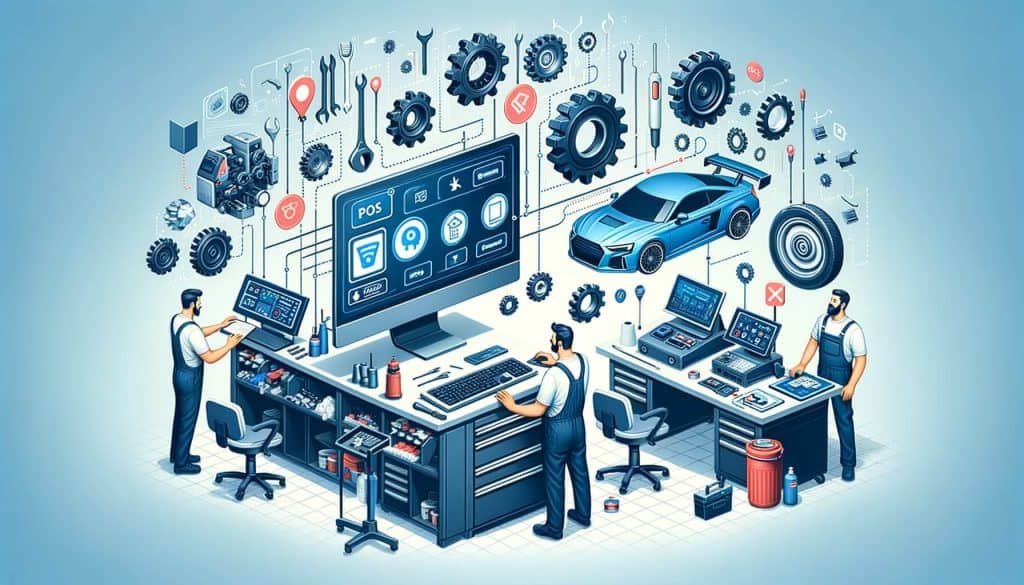
Implementing POS integrations in auto repair billing can bring a multitude of benefits to businesses. Here are some key advantages:
1. Time-saving: By automating billing processes, POS integrations can save valuable time for auto repair businesses. Tasks that previously required manual data entry can now be completed with just a few clicks, freeing up staff to focus on more important tasks.
2. Reduced errors: Manual data entry is prone to errors, which can lead to billing discrepancies and customer dissatisfaction. POS integrations eliminate the need for manual entry, reducing the risk of errors and ensuring accurate billing.
3. Improved cash flow: With POS integrations, businesses can generate invoices and track payments in real-time. This allows for faster payment processing and improved cash flow, as businesses can promptly follow up on outstanding payments.
4. Enhanced customer experience: POS integrations enable businesses to provide a seamless and efficient billing experience for customers. By automating processes and reducing errors, businesses can ensure accurate and timely billing, leading to increased customer satisfaction.
Choosing the Right POS System for Auto Repair Billing

When it comes to choosing a POS system for auto repair billing, there are several factors to consider. Here are some key considerations:
1. Integration capabilities: Look for a POS system that offers seamless integration with other software or applications used in your auto repair business. This will ensure smooth communication between different systems and streamline your billing processes.
2. Customization options: Every auto repair business has unique needs and requirements. Look for a POS system that allows for customization, so you can tailor it to fit your specific billing workflows and preferences.
3. User-friendly interface: A user-friendly interface is crucial for efficient billing processes. Look for a POS system that is intuitive and easy to navigate, so your staff can quickly learn and use the system without extensive training.
4. Reporting and analytics: A good POS system should provide robust reporting and analytics capabilities. This will allow you to gain insights into your billing processes, track key metrics, and make data-driven decisions to improve efficiency and profitability.
Key Features to Look for in Auto Repair POS Integrations

When evaluating POS integrations for auto repair billing, there are several key features to look for. These features will ensure that the integration meets your business needs and helps streamline your billing processes. Here are some important features to consider:
1. Inventory management: A good POS integration should include inventory management capabilities. This will allow you to track and manage your auto parts and supplies, ensuring that you have the right items in stock and reducing the risk of delays in repairs.
2. Appointment scheduling: Look for a POS integration that includes appointment scheduling features. This will enable you to efficiently manage your repair schedule, ensuring that you can allocate resources effectively and minimize wait times for customers.
3. Customer relationship management (CRM): A CRM feature in your POS integration will help you manage customer data and interactions. This will allow you to provide personalized service, track customer preferences, and build long-term relationships with your clients.
4. Mobile accessibility: In today’s digital age, it is important to have access to your POS system on the go. Look for a POS integration that offers mobile accessibility, so you can manage your billing processes from anywhere, at any time.
Step-by-Step Guide: Setting Up POS Integrations for Auto Repair Billing
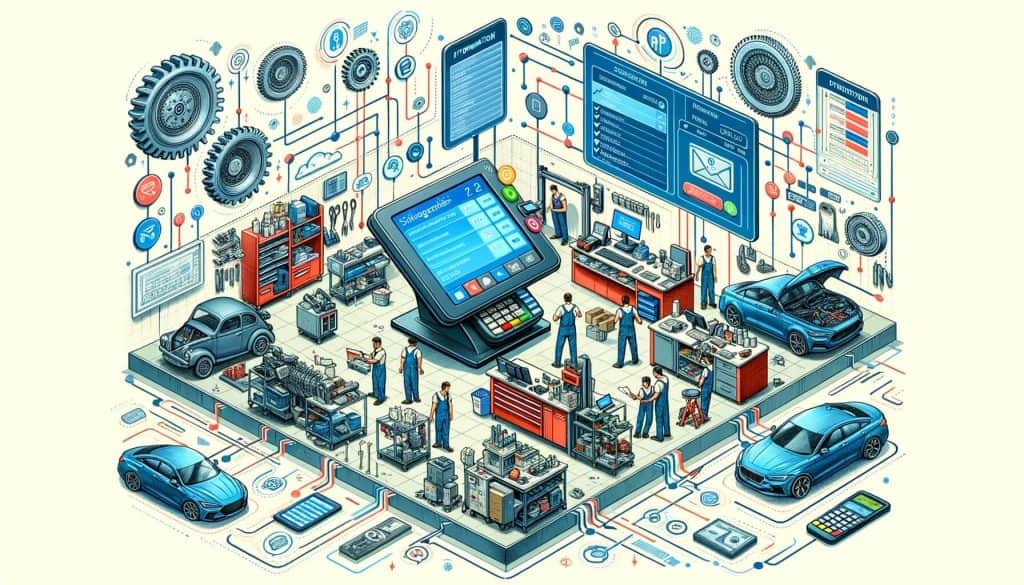
Setting up POS integrations for auto repair billing may seem daunting, but with the right approach, it can be a smooth process. Here is a step-by-step guide to help you get started:
1. Assess your needs: Before choosing a POS system and integration, assess your business needs and requirements. Identify the specific tasks and processes that you want to automate and streamline through the integration.
2. Research POS systems: Research different POS systems that offer integrations for auto repair billing. Consider factors such as integration capabilities, customization options, user-friendliness, and reporting features. Read reviews and compare the pros and cons of each system.
3. Choose a POS system: Based on your research, choose a POS system that best fits your business needs. Contact the POS provider to discuss your requirements and ensure that their system can integrate with your existing software or applications.
4. Set up the integration: Once you have chosen a POS system, work with the provider to set up the integration. This may involve installing software, configuring settings, and mapping data fields between systems. Follow the provider’s instructions and seek assistance if needed.
5. Test the integration: Before fully implementing the integration, test it thoroughly to ensure that it is working correctly. Test different scenarios, such as generating invoices, tracking payments, and syncing customer data. Address any issues or discrepancies that arise during testing.
6. Train your staff: Once the integration is set up and tested, train your staff on how to use the new system. Provide comprehensive training sessions and documentation to ensure that everyone understands how to navigate the POS integration and perform billing tasks.
7. Monitor and optimize: After the integration is up and running, monitor its performance and gather feedback from your staff. Continuously optimize the integration by making adjustments and improvements based on user feedback and changing business needs.
Streamlining Auto Repair Billing Processes with POS Integrations
POS integrations can significantly streamline auto repair billing processes, leading to improved efficiency and customer satisfaction. Here are some ways in which POS integrations can streamline billing:
1. Automated invoicing: With POS integrations, businesses can automate the process of generating invoices. The integration can pull data from the repair order, such as labor hours, parts used, and any additional charges, and automatically generate an invoice. This eliminates the need for manual data entry and reduces the risk of errors.
2. Real-time payment tracking: POS integrations allow businesses to track payments in real-time. When a customer makes a payment, it can be instantly recorded in the POS system, updating the customer’s account balance. This enables businesses to have an accurate view of outstanding payments and follow up promptly.
3. Seamless integration with accounting software: Many POS integrations offer seamless integration with popular accounting software, such as QuickBooks. This allows businesses to automatically sync their billing data with their accounting system, eliminating the need for manual data entry and ensuring accurate financial records.
4. Customer self-service options: POS integrations can enable businesses to offer self-service options to customers. For example, customers can access their invoices and payment history online, make payments electronically, and even schedule appointments. This reduces the need for manual intervention and empowers customers to manage their billing processes conveniently.
Enhancing Customer Experience through POS Integrations in Auto Repair
In addition to streamlining billing processes, POS integrations can also enhance the overall customer experience in auto repair businesses. Here are some ways in which POS integrations can improve customer satisfaction:
1. Faster check-out process: POS integrations enable businesses to process payments quickly and efficiently. This reduces wait times for customers and provides a seamless check-out experience. Customers can pay using various methods, such as cash, credit cards, or mobile payments, depending on the capabilities of the POS system.
2. Accurate billing: Manual data entry is prone to errors, which can lead to billing discrepancies and customer dissatisfaction. POS integrations eliminate the need for manual entry, ensuring accurate billing and reducing the risk of errors. This builds trust with customers and enhances their overall experience.
3. Personalized service: POS integrations with CRM features allow businesses to store and access customer data easily. This enables businesses to provide personalized service, such as addressing customers by name, remembering their preferences, and offering tailored recommendations. Personalized service enhances the customer experience and fosters loyalty.
4. Efficient appointment scheduling: POS integrations that include appointment scheduling features enable businesses to efficiently manage their repair schedule. Customers can easily schedule appointments online or over the phone, and businesses can allocate resources effectively to minimize wait times. This improves the overall experience for customers and reduces frustration.
Common Challenges and Solutions in Implementing POS Integrations for Auto Repair Billing
Implementing POS integrations for auto repair billing can come with its own set of challenges. Here are some common challenges and solutions to consider:
1. Compatibility issues: Integrating different software or applications can sometimes lead to compatibility issues. To overcome this challenge, ensure that the POS system you choose offers seamless integration with your existing software. Work closely with the POS provider to address any compatibility issues that arise during the integration process.
2. Data migration: Migrating data from your existing systems to the new POS integration can be a complex task. To ensure a smooth data migration, thoroughly clean and organize your data before the integration. Work with the POS provider to develop a data migration plan and seek assistance if needed.
3. Staff training: Introducing a new POS integration requires training your staff on how to use the system effectively. To overcome this challenge, provide comprehensive training sessions and documentation. Consider conducting refresher training sessions periodically to ensure that your staff remains proficient in using the POS integration.
4. Resistance to change: Some staff members may resist the implementation of a new POS integration due to fear of change or unfamiliarity with technology. To address this challenge, communicate the benefits of the integration to your staff and involve them in the decision-making process. Provide ongoing support and encouragement to help them adapt to the new system.
Frequently Asked Questions about POS Integrations in Auto Repair Billing
Q1. What is a POS integration?
A1. A POS integration refers to the integration of a POS system with other software or applications used in auto repair businesses. This allows for seamless communication between different systems, automating tasks such as generating invoices, tracking payments, and managing customer data.
Q2. How can POS integrations streamline auto repair billing processes?
A2. POS integrations streamline auto repair billing processes by automating tasks such as generating invoices, tracking payments, and managing customer data. This saves time, reduces errors, and improves overall efficiency.
Q3. What are some key features to look for in auto repair POS integrations?
A3. Some key features to look for in auto repair POS integrations include inventory management, appointment scheduling, customer relationship management (CRM), and mobile accessibility.
Q4. How can POS integrations enhance the customer experience in auto repair businesses?
A4. POS integrations enhance the customer experience in auto repair businesses by providing faster check-out processes, accurate billing, personalized service, and efficient appointment scheduling.
Q5. What are some common challenges in implementing POS integrations for auto repair billing?
A5. Some common challenges in implementing POS integrations for auto repair billing include compatibility issues, data migration, staff training, and resistance to change. These challenges can be overcome through careful planning, communication, and support.
Conclusion
POS integrations have revolutionized the way auto repair businesses handle billing processes. By automating tasks, reducing errors, and improving efficiency, POS integrations streamline billing processes and enhance the overall customer experience. When choosing a POS system and integration, consider factors such as integration capabilities, customization options, user-friendliness, and reporting features.
Follow a step-by-step guide to set up the integration, and continuously monitor and optimize its performance. Overcome common challenges through careful planning, communication, and support. With the right POS integration in place, auto repair businesses can enjoy the benefits of streamlined billing processes, improved cash flow, and increased customer satisfaction.